
overview
What is a CAD table?
A CAD table is a cutting system driven directly by computer-aided design data. The drawing you produce in your CAD software becomes the instruction set the machine follows, so the geometry on screen and the part on the table are the same thing.
That link is the whole point. Lines in the drawing map to cut paths, fold lines map to creases, and the layers in your file tell the table which tool does what. Nothing gets redrawn, retraced or interpreted along the way, which is why a CAD table holds dimensional accuracy that manual methods cannot match.
Kongsberg CAD tables run through i-cut Production Console, which takes the design data and turns it into a production job the operator can send to the table.
THE RIGHT SOLUTION FOR YOUR NEEDS
Every challenge deserves the right answer
A cutting table has to hold up against different demands at once. Here is how our cutting tables answer each of them.
Benefits
Why choose a CAD table?
When the design file is the single source of truth, a whole layer of translation disappears from your process. What you draw is what you get, every time, and revisions travel from the designer to the production floor in minutes.
- Design accuracy carried through to the part, because the cut path comes from the geometry itself.
- Revisions handled in the file, so an update reaches production as soon as it is approved.
- Repeatability across runs, with the same drawing producing the same result months apart.
- Job recall built in. The Kongsberg X Series offers personalised operator login, My Job List and job history recall, so returning work comes back exactly as it ran before.
- Automatic job setup. Barcodes in QR, Data Matrix and Code39 formats pull tooling and production settings, and the X Series adds automatic tool selection, table settings and cutting sequence.
- One dataset, many outputs, from a first prototype through to a full production batch.
Compare
CAD table, manual cutting, die cutting or CNC router?
The question is not only what cuts the material, but how faithfully your drawing survives the trip to the shop floor.
CAD table vs manual cutting
- Cuts directly from digital geometry, removing manual measuring and marking.
- ✓Design changes stay in the file, making updated and repeat jobs easier to reproduce.
Biggest benefit
A direct, repeatable path from CAD design to finished part.
CAD table vs die cutting
- The cutting geometry comes from the digital job rather than a physical die.
- New designs and revisions can move into production without creating new cutting tooling.
Biggest benefit
Change the design without changing the die.
CAD table vs CNC router
- Both work from digital geometry, but a CNC router focuses on routing with a rotating spindle.
- A CAD table can combine knife cutting, creasing, routing and drilling within the same production platform.
Biggest benefit
More finishing operations from the same digital design.
Cutting Systems
Which Kongsberg CAD table suits your work?
All three run on the same production software. What separates them is how much work you push through and how varied that work is.

Design data at production scale
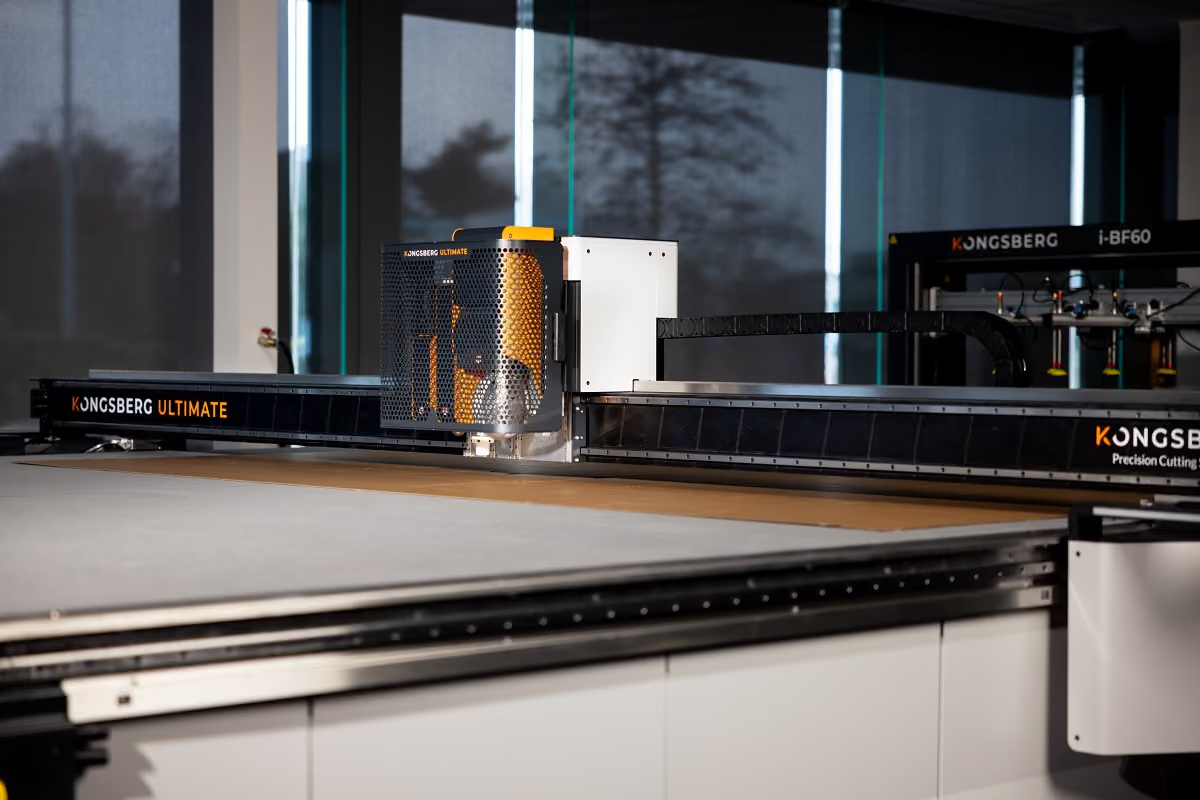
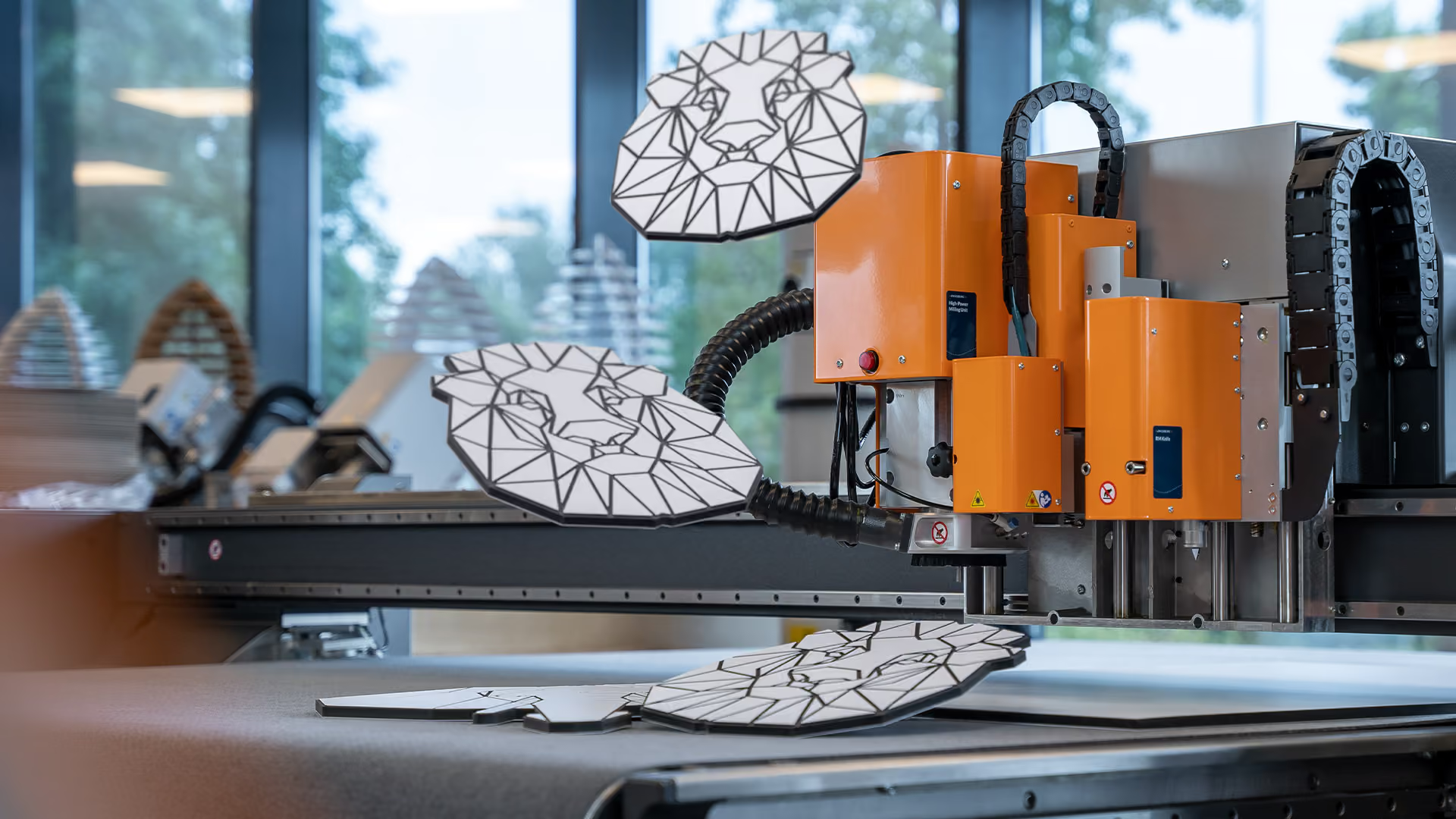
Built for floors where the drawing queue never empties. The Ultimate combines a large working area with the fastest motion in the range, so complex geometry runs at volume without becoming the bottleneck.
- Built for: high-volume corrugated and display production
- Typical work: long runs of complex structural designs
- Strength: eight vacuum zones and intelligent cutting sequence optimisation
- Max. linear speed (XY): 167.5 m/min (2.8 m/s), acceleration up to 2.74 G

Continuous production from a shared dataset
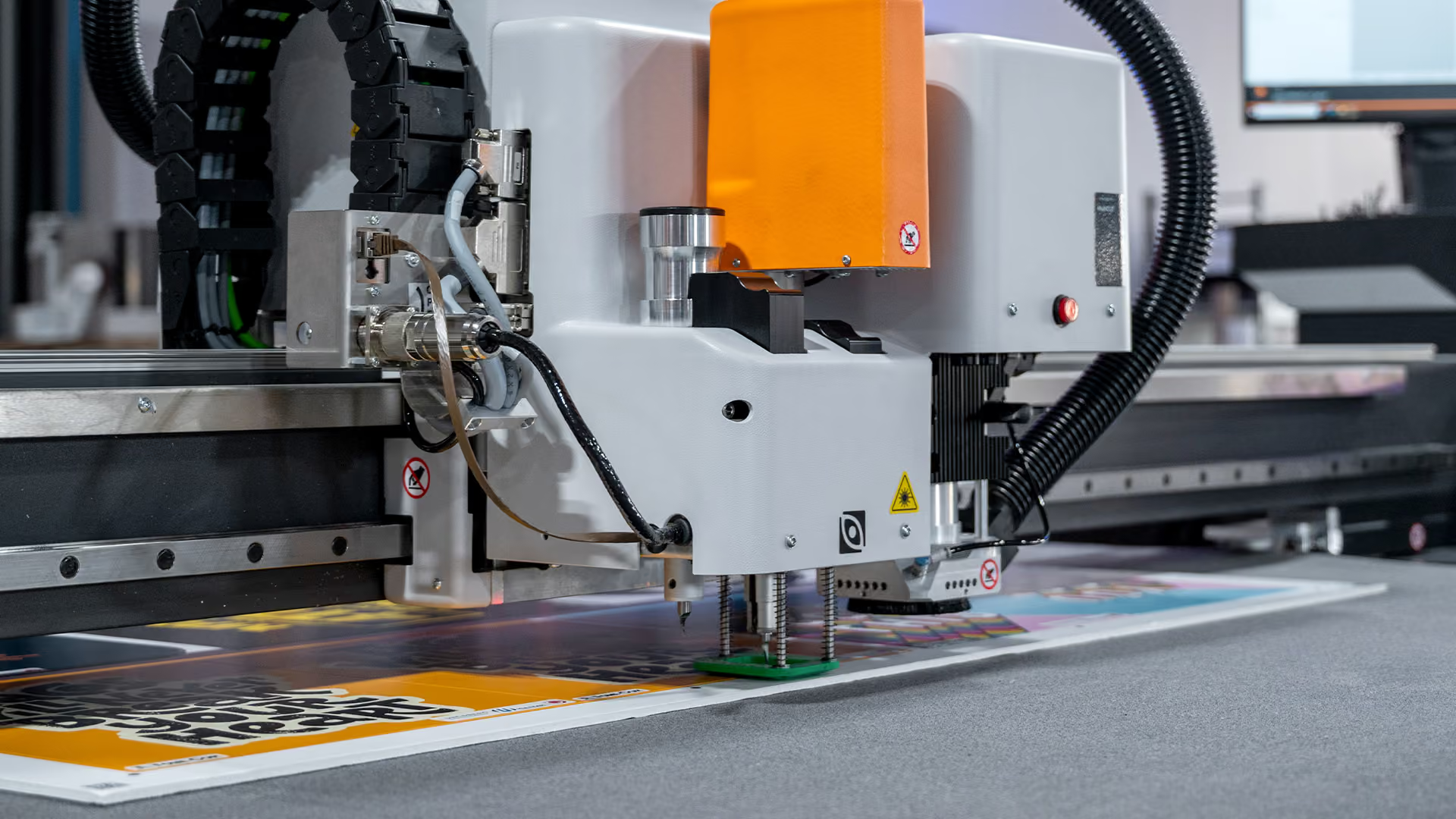
The C Series suits operations where the same library of drawings runs day after day. Barcode-driven tooling and production settings mean a job can be recalled and started without reconfiguring the table by hand.
- Built for: 24/7 production
- Typical work: repeat structural work across packaging, signage and displays
- Strength: barcode-driven tooling and production settings
- Max. linear speed (XY): 100 m/min, acceleration up to 1.72 G

The most design-led table in the range
Where the drawing changes constantly, the X keeps up. Automatic tool selection, automatic table settings and automatic cutting sequence mean the file itself decides how the job runs, and job history recall brings any previous design straight back.
- Built for: varied design work and frequent changes
- Typical work: prototypes, samples, one-off structural jobs
- Strength: automatic job setup with personalised operator login and My Job List
- Max. linear speed (XY): 50 m/min, acceleration up to 0.56 G
Applications
Where CAD tables turn designs into finished work
From structural packaging to printed graphics, CAD tables connect digital design with accurate cutting and finishing across very different production environments.
Real Impact
Proof from the production floor
Different materials, different volumes, different tables, same result: less handling, more output.
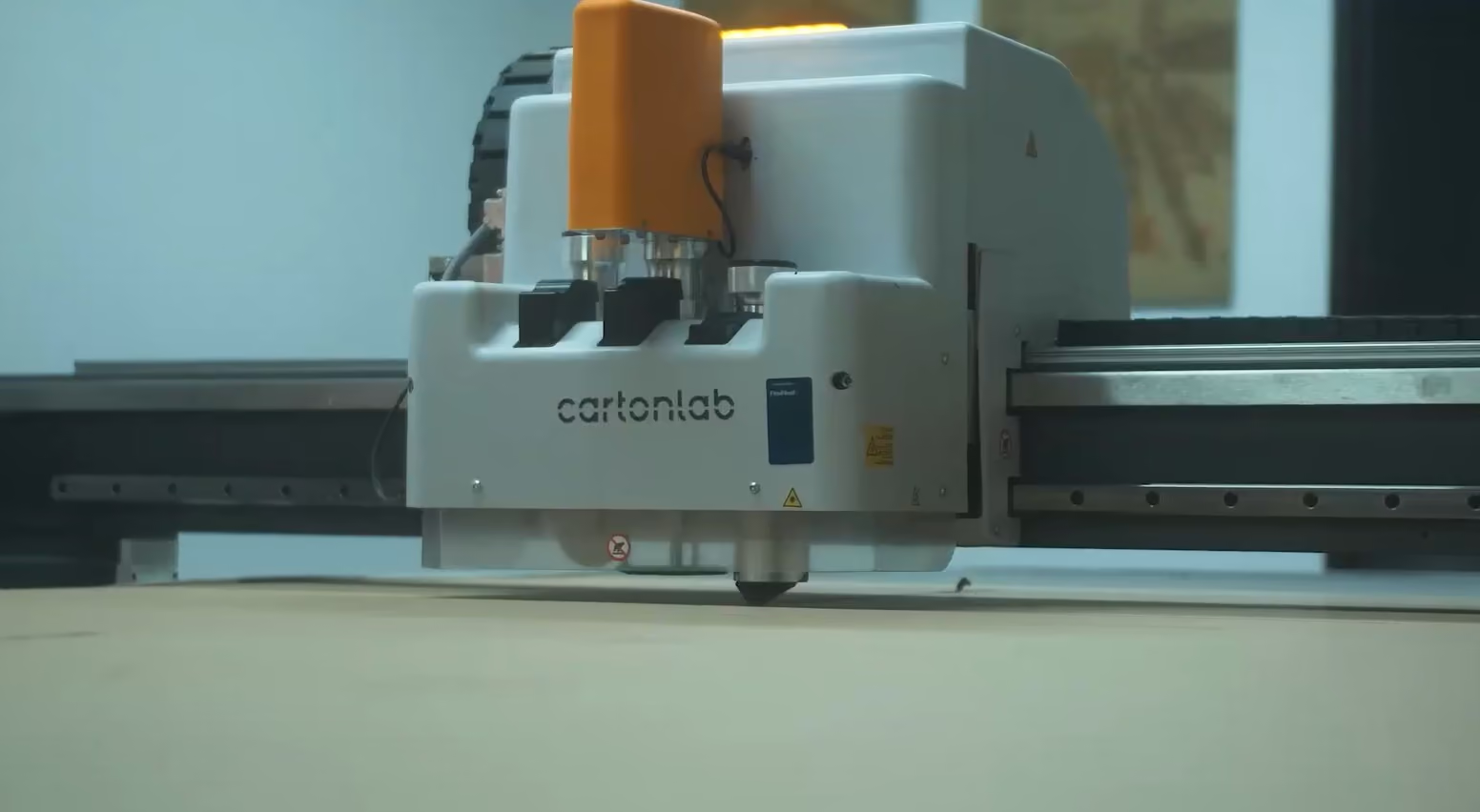
Cartonlab
|
Cardboard display & exhibition design manufacturer
“The Kongsberg cutting table for our design team is like a toy.”
The Kongsberg X24 is used by the entire team at Cartonlab to experiment, create and innovate
- Easy to operate: the X24 is used by the entire team
- Great investment: within 3 years the company saw complete return on investment
- Increased creativity: prototyping large scale projects is now much easier

Czarnowski Collective
|
Trade show exhibit & display fabricator
“The accuracy on your Kongsberg? Legitimately, I don't know how you get better!”
Speed and precision of the Kongsberg C64 empowers creativity, productivity and customer service
- Speed of the C64 enables completion of jobs just hours after receiving designs
- Increased productivity means improved profitability
- Ease of set-up, use and changing of tools maximizes uptime
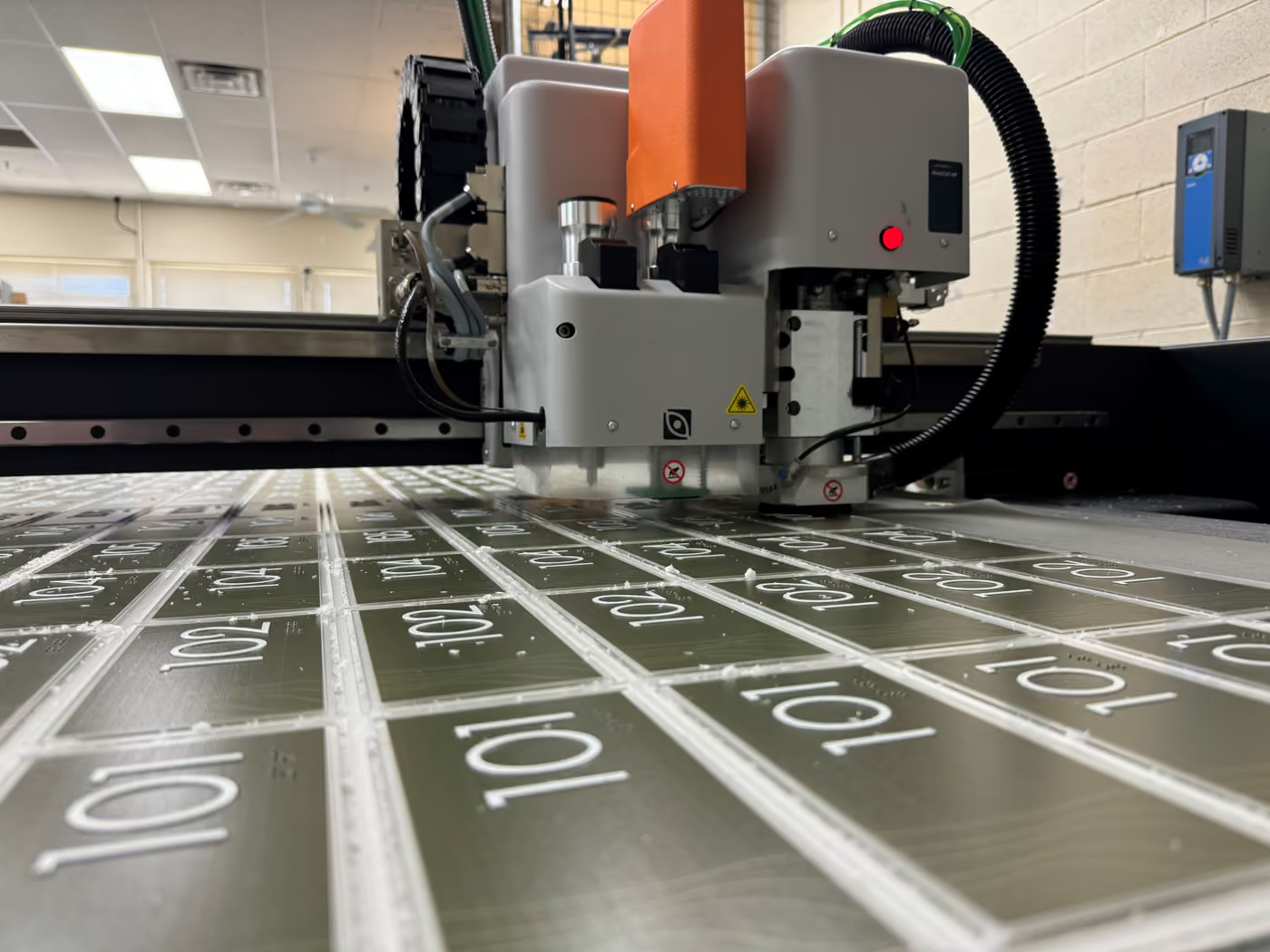
FastSigns
|
Sign manufacturer
“The ease of use with the Kongsberg is amazing... that's the secret sauce that makes it invaluable.”
Intuitive software & versatile tooling on the Kongsberg X24 boosts productivity & growth for FastSignss
- First Kongsberg table for the company has rapidly become a workshop favorite
- Ease of use and range of versatile tools has enabled range expansion
- Increased speed and accuracy boosts productivity
Before you ask
Common questions about CAD tables
What is a CAD table?
What is a CAD table?
A CAD table is a cutting system driven directly by computer-aided design data, where the geometry in your drawing becomes the path the machine follows. Kongsberg CAD tables run through i-cut Production Console, which converts the design data into a production-ready job.
How does design data become a cut path?
How does design data become a cut path?
The layers and line types in your drawing tell the table what to do with each element, so cut lines go to a knife and fold lines to a creasing tool. On the Kongsberg X Series this happens automatically, with the file driving tool selection, table settings and cutting sequence.
How accurate is a CAD table?
How accurate is a CAD table?
Accuracy comes from removing the translation steps between design and production, since the machine reads the geometry rather than an interpretation of it. Kongsberg tables hold that precision at speed, with the Ultimate cutting at 167.5 m/min and acceleration up to 2.74 G.
Can a CAD table recall a previous job exactly?
Can a CAD table recall a previous job exactly?
Yes, provided the original data and settings are stored with the job. The Kongsberg X Series includes job history recall and My Job List under a personalised operator login, and barcode formats including QR, Data Matrix and Code39 bring back tooling and production settings automatically.
Which Kongsberg CAD table should I choose?
Which Kongsberg CAD table should I choose?
The Ultimate for the highest production volumes, the C Series for continuous repeat work driven from a shared job library, and the X Series when designs change often and setup speed matters most. All three run on i-cut Production Console, so the workflow stays the same as you scale.