Stop wasting time setting up cutting jobs
The ai-cut plugin for Adobe Illustrator streamlines print-and-cut file preparation, helping operators move from design to production faster. Automate repetitive setup tasks, reduce errors, and improve efficiency throughout your Kongsberg workflow.
Adobe Illustrator Integration
Prepare cutting files in Adobe Illustrator
ai-cut is a free Adobe Illustrator plugin for preparing print-to-cut jobs for Kongsberg cutting tables. Working directly within Illustrator, it helps operators create production-ready files without leaving their familiar design environment.
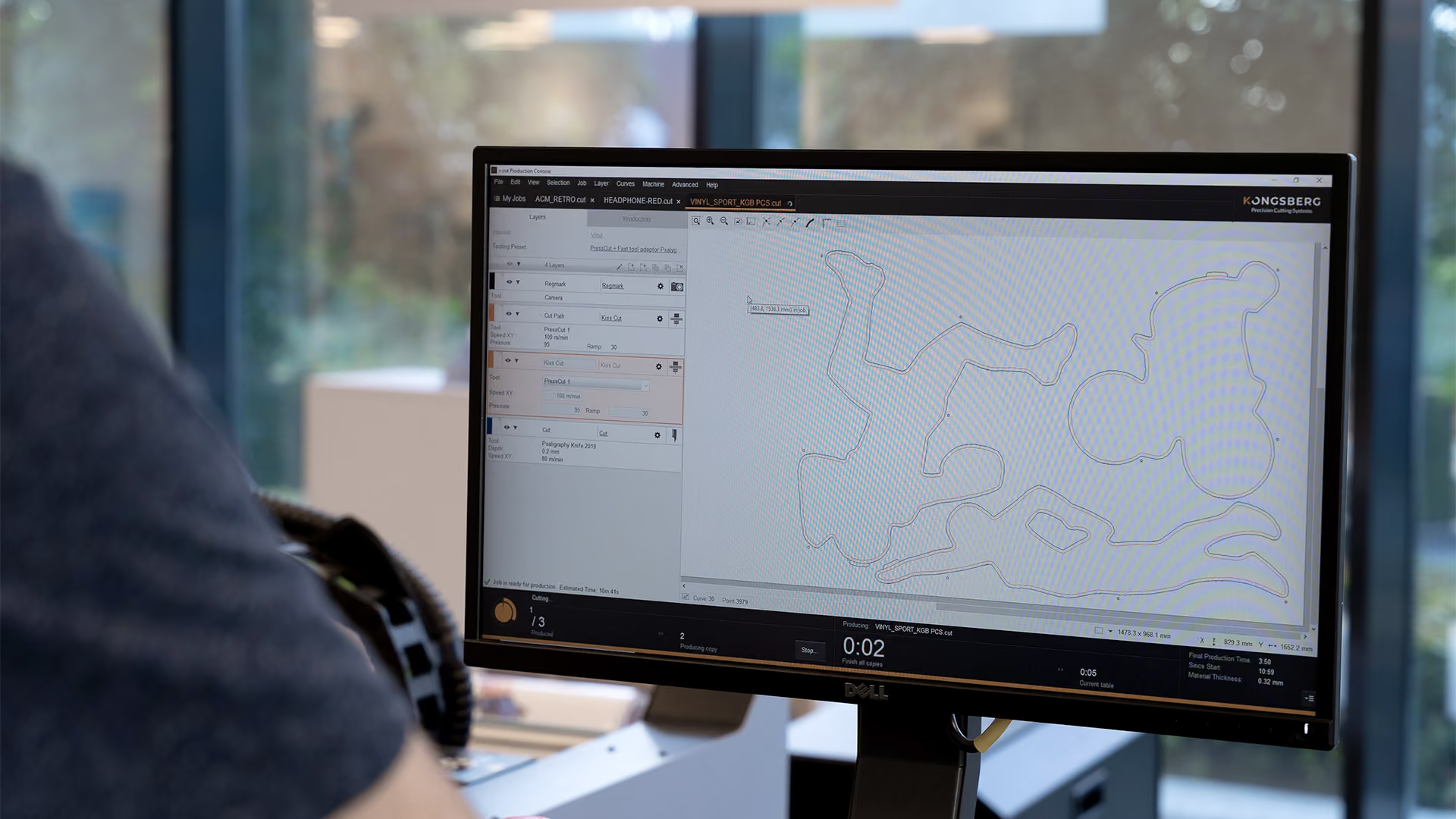
The plugin adds Kongsberg-specific production data such as registration marks, QR codes, layer assignments, and material metadata directly to the artwork. This ensures files arrive in iPC ready for a smooth transition from design to production.
Benefits
Work smarter, faster
Every minute spent preparing files is time not spent producing. The ai-cut plugin automates key setup processes inside Adobe Illustrator, helping operators work faster, reduce errors, and keep jobs flowing smoothly into production.

Reduce job preparation time
Prepare files for cutting in fewer steps by automating repetitive setup tasks directly within Adobe Illustrator. Operators can quickly create production-ready files without manually configuring jobs in downstream systems.

Eliminate manual setup errors
Automatically apply registration marks, layers, line types, and material data to ensure every file is prepared consistently. This reduces the risk of setup mistakes that can lead to rework, downtime, or wasted material.

Accelerate production automation
Generate QR codes and embed job metadata that allows iPC to automatically identify and configure incoming jobs. This speeds up job retrieval, simplifies operator workflows, and supports more automated production processes.
Download for Windows
- ai-cut v2026
Requires Windows 10 or higher, running Adobe Illustrator CC2026 (v30), CC2025 (v29) & CC2024 (v28)
- ai-cut v2025.1
For Windows 10 or higher, running Adobe Illustrator CC2025 (v29), CC2024 (v28) & CC2023 (v27)
- ai-cut v2024
For Windows 8 or higher, running Adobe Illustrator CC2024 (v28), CC2023 (v27) & CC2022 (v26)
Download for mac
- ai-cut v2026
Requires macOS v12 (Monterey) or higher, running Adobe Illustrator CC2026 (v30), CC2025 (v29) & CC2024 (v28)
- ai-cut v2025.1
For macOS v12 (Monterey) or higher, running Adobe Illustrator CC2025 (v29), CC2024 (v28) & CC2023 (v27)
- ai-cut v2024
For macOS v10.15 (Catalina) or higher, running Adobe Illustrator CC2024 (v28), CC2023 (v27) & CC2022 (v26)
FAQ
Common questions
Can software reduce setup mistakes?
Can software reduce setup mistakes?
Yes. Good preparation software helps keep cut lines, creases, registration, and production settings clearer before the job reaches the table. It will not make coffee, but it can prevent some very avoidable headaches.
What does the ai-cut Plug-in help with?
What does the ai-cut Plug-in help with?
The ai-cut Plug-in helps connect design work with cutting production. It is especially useful when preparing cut paths and production data from Adobe Illustrator workflows.