The only software you need to run your cutting table
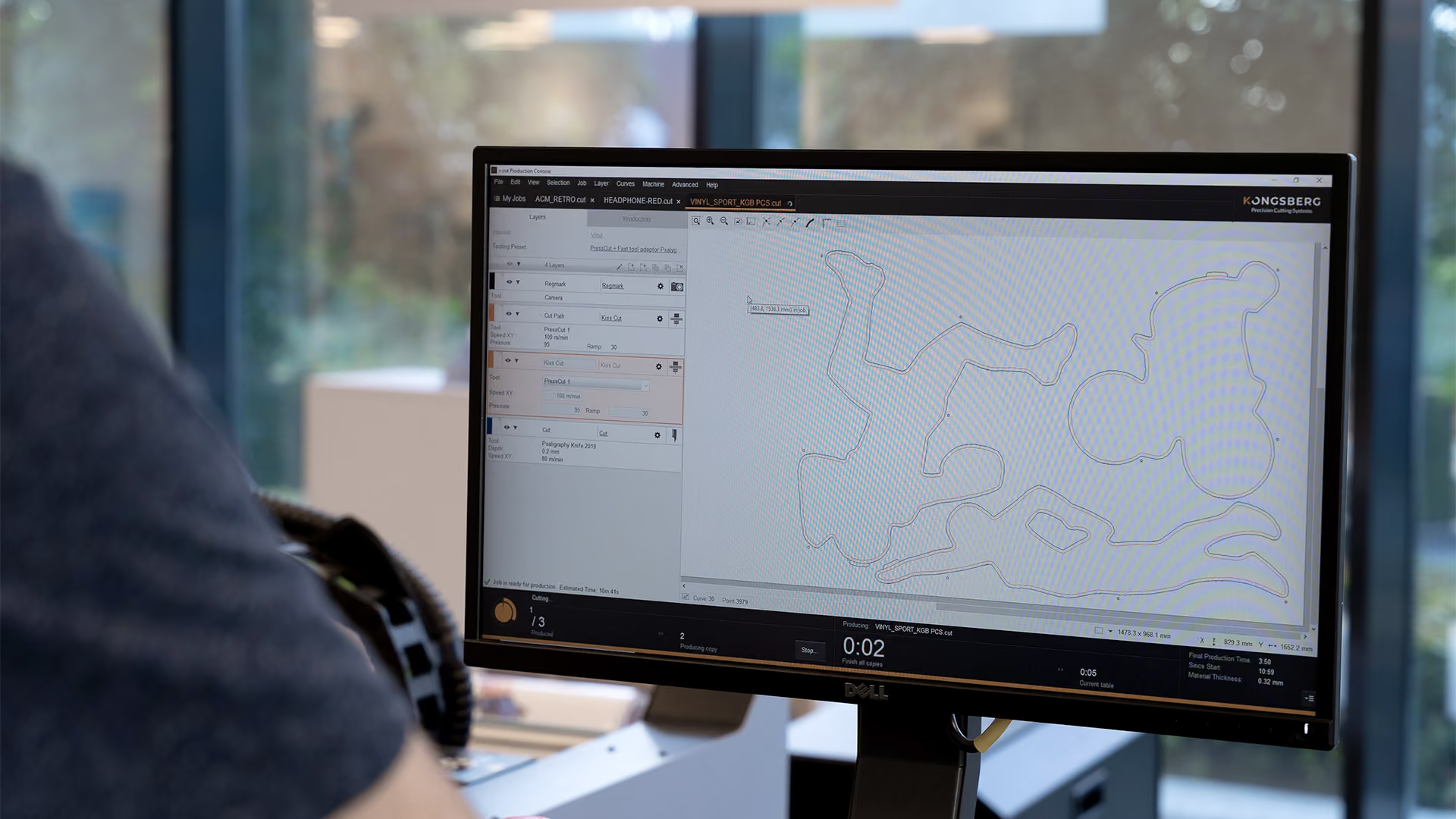
i-cut Production Console (iPC) is the integrated software suite that powers every stage of Kongsberg digital finishing. From job preparation and production planning to automated cutting and workflow integration, iPC helps operators work faster, smarter, and with greater confidence.
Integrated production software
Built for everyday productivity
i-cut Production Console (iPC) is the central software platform for operating Kongsberg cutting tables. Designed with an intuitive user interface, it simplifies everything from file import and job setup to tool calibration, production execution, and workflow automation.
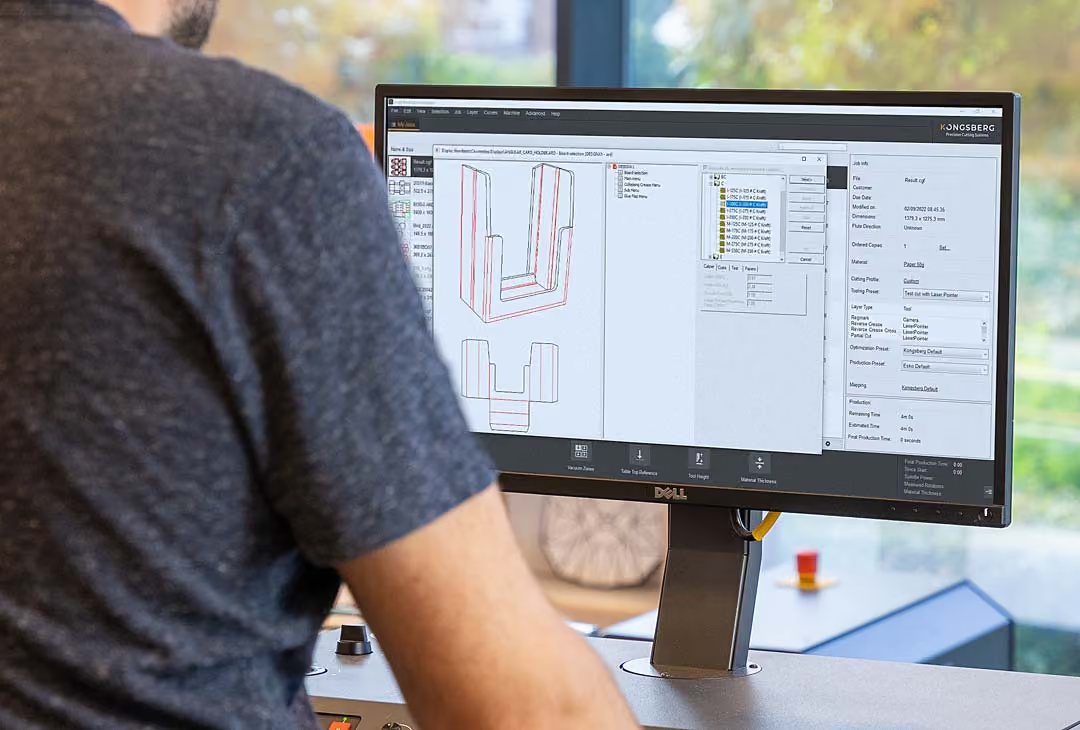
Operators can create layouts, configure customized production runs, manage tooling presets, connect ERP/MIS systems for production planning, and run jobs manually or fully automated. With built-in material libraries, advanced camera registration, barcode workflows, and automation support, iPC brings every critical production function into a single environment.
Benefits
Everything needed to run production
iPC helps operators reduce setup time, improve cut accuracy, streamline workflow management, and unlock advanced automation capabilities. Every tool is designed to help you get more value from your Kongsberg cutting table.

Faster job setup
Material libraries, tooling presets, automatic file interpretation, and customizable workflows dramatically reduce preparation time. Operators can quickly move from file to production with consistent, repeatable results.

Smarter production planning
Estimate production times, prioritize jobs, manage active queues, and track progress in real time. iPC provides the visibility needed to schedule work more efficiently and improve throughput.

Accurate print-to-cut alignment
Advanced camera registration, distortion compensation, edge recognition, and underside camera technology help ensure precise cutting, even on challenging or distorted printed materials.

Automated workflow execution
Barcode-driven production automatically loads jobs and tooling presets, reducing operator intervention and enabling continuous production across multiple job types.

Advanced milling support
Automate complex milling operations with lead-ins, lead-outs, washouts, multi-pass machining, and tool diameter compensation while simplifying bit changes during production.

Ready for automation
Support the Feeder & Stacker, Robotic Material Handling, roll-fed production, MultiZone workflows, conveyor-fed jobs, and oversized applications from one integrated platform.
Features
Easier, faster and flawless production with iPC
Built for greater versatility and uptime, iPC helps operators work faster and more efficiently through advanced automation and an intuitive user experience. Discover the features that simplify workflows, automate repetitive tasks, and optimize cutting performance.
Expand your capabilities
Additional tools for specialized workflows
Depending on your iPC license, additional modules can further streamline job preparation and packaging production. These optional features extend the value of your workflow while maintaining the same familiar iPC experience.
Prep Station
iPC Prep Station is a standalone version of iPC that allows operators to prepare jobs away from the cutting table. Files can be reviewed, cleaned up, estimated, and configured before being automatically submitted to production.
- Prepare jobs without occupying production equipment
- Create more accurate quotes with built-in production estimates
- Speed up production using the same tooling and mapping presets as the cutting table
QuickBox
Create packaging and display designs in minutes with direct access to the ArtiosCAD standards library. QuickBox automatically prepares every design for production, no CAD skills required.
- Design and produce boxes without CAD knowledge
- Automatically apply materials, line mappings, and tooling presets for faster setup
- Accelerate packaging production with proven parametric designs and extensive library options
FAQ
Common questions
Can software reduce setup mistakes?
Can software reduce setup mistakes?
Yes. Good preparation software helps keep cut lines, creases, registration, and production settings clearer before the job reaches the table. It will not make coffee, but it can prevent some very avoidable headaches.
What does i-cut Production Console do?
What does i-cut Production Console do?
i-cut Production Console is the main software environment for running production on Kongsberg cutting tables. It helps operators prepare jobs, control production, and keep the workflow organized.
What is iPC Prep Station used for?
What is iPC Prep Station used for?
iPC Prep Station helps prepare files before they reach the cutting table. It is useful when you want cleaner handoff between design, prepress, and production.
What is iPC QuickBox?
What is iPC QuickBox?
iPC QuickBox is for creating simple box designs quickly. It is useful when you need a packaging structure without starting from a blank screen every time.